
We Want You To Have More Time And More Life
Our Mission
Everything is just a matter of time, and the reality is, we have limited time.
Many of us reach the twilight of our lives, wishing we’d allocated our hours more wisely, focusing on what truly matters, rather than what doesn’t. Regrettably, once those moments pass, there’s no turning back.
Yet, the course of our time is not always within our grasp; its flow often swayed by countless external factors, making it challenging to take control.
We envision a future with fewer regrets. A future where you can masterfully wield the gift of time, ensuring that you spend it on passions, dreams, and the people who mean the most.
We’re not just about minimizing regrets; we’re about empowering you to live with intentionality and purpose.
In essence, we’re in the business of gifting time.
Our Time Flow System enables even the busiest individuals to squeeze the utmost value out of every tick of the clock.
Crafted to help you allocate your time astutely and act smartly, it’s a tool designed to help you reclaim those fleeting moments. With it, you can prioritize, streamline, and ensure that you have time for everything you aspire to achieve.
Through actionable, step-by-step systems, we amplify your results, guiding you to live smarter, better, and more holistically.
After all, life is nothing without the time to live it.

Our Story
LifeHack was created in 2005 by an engineer, not a guru. Our founder Leon Ho wanted to learn how to do life better. To fit more of the good parts in and make the necessary parts as efficient as possible.
So he began searching for tactics and systems for living, not just existing. The problem was, there was a lot of talk, a lot of hype but very few practical, easily actionable hacks and no complete processes.
Over time, Leon built a knowledge bank – efficiency, productivity, management. He deployed these learnings at his engineering job and found himself making enormous progress.
He discovered that these learnings went beyond his work and could be leveraged across all facets of his life.
He began to stack these techniques to create a transferrable system that also helped his friends, family and colleagues. The results were amazing and everyone wanted more people to know about it.
Fast forward 17 years, LifeHack has now become a powerhouse of productivity. Our team have painstakingly sifted through the productivity strategies of the past and present. The outcome is the Time Flow System – a lean, mean, time-reclaiming machine.
Our step-by-step system isn’t just about efficiency; it’s about gifting you time.
Time for things that truly matter.
Because, as we often remind ourselves, ‘life is nothing without the time to live it’.
The Masterminds Behind LifeHack

Leon Ho, Founder & CEO
Leon began his journey as a software engineer at Red Hat, swiftly navigating the corporate labyrinth to become the youngest leader of a global team.
However, he soon recognized that sheer effort wouldn’t scale with the escalating intricacy of his role. This realization ignited in Leon a quest to master the science of productivity and effective management.
Using his hard-earned knowledge, Leon steered over 150 engineering projects to success, each one a testament to his refined understanding of time and productivity management. But his ambition didn’t stop at the boundaries of Red Hat.
In 2005, Leon launched LifeHack, combining his insights into productivity with his entrepreneurial spirit. LifeHack has since evolved into a global nexus, connecting readers with seasoned experts from diverse backgrounds, all centered around the art and science of optimizing time and productivity.
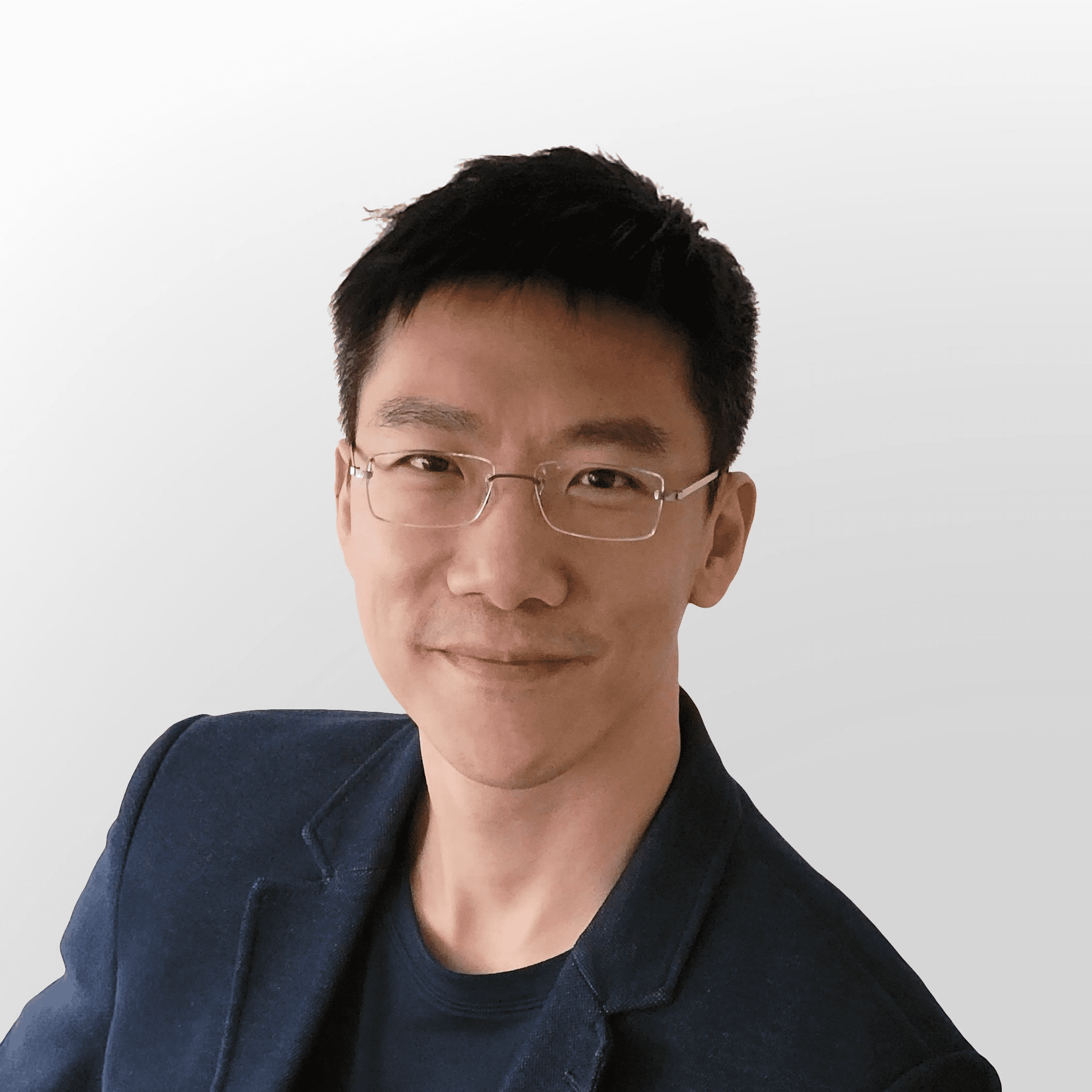
Simon Lee
Simon was the chief creator and the central force propelling LifeHack’s crucial trainings, classes, and courses.
In collaboration with Leon, Simon invested years in systematically refining LifeHack’s immense knowledge treasury into practical, time-optimized wisdom for everyday application. This process is akin to sculpting a diamond from raw carbon — transforming large concepts into bite-sized, efficient lessons for enhancing productivity in all aspects of life.

Anna Chui
Anna was LifeHack’s editor-in-chief. Drawing upon her expertise in time optimization, she orchestrated content for SEO and social media, ensuring that every piece maximizes its impact.
Integrating content marketing seamlessly with PR, she upheld a singular tone and style that resonated with our audience. Additionally, Anna supervised the creation of marketing materials, ensuring that every second spent by our readers was valuable and meaningful.
Featured Experts

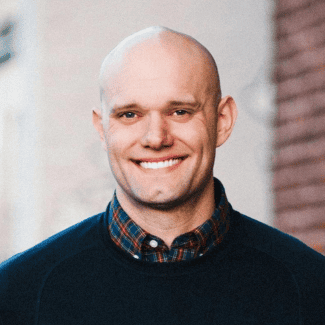
Amy Morin
Psychotherapist and author of the bestselling book “13 Things Mentally Strong People Don’t Do”

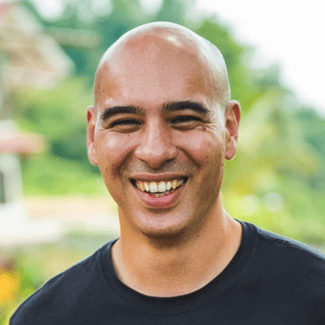
Brian Tracy
Motivational public speaker and author of “Earn What You’re Really Worth,” “Eat That Frog!” and “No Excuses!”

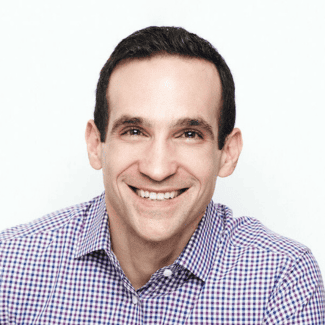
Nir Eyal
Bestselling author of “Hooked: How to Build Habit-Forming Products” and “Indistractable: How to Control Your Attention and Choose Your Life”.

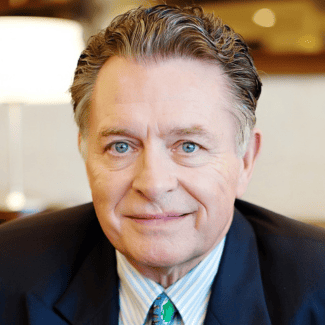
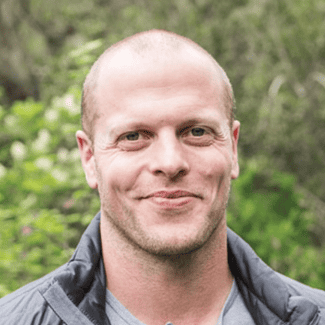
Experts We Have Interviewed




Our Solutions
Harnessing 17 years of expertise, we’ve refined potent productivity hacks, past and present, into the lean Time Flow System.
The Time Flow System is a unique philosophy we develop to provide guidance on time management and action-taking. It’s crafted to optimize every valuable moment of your life.
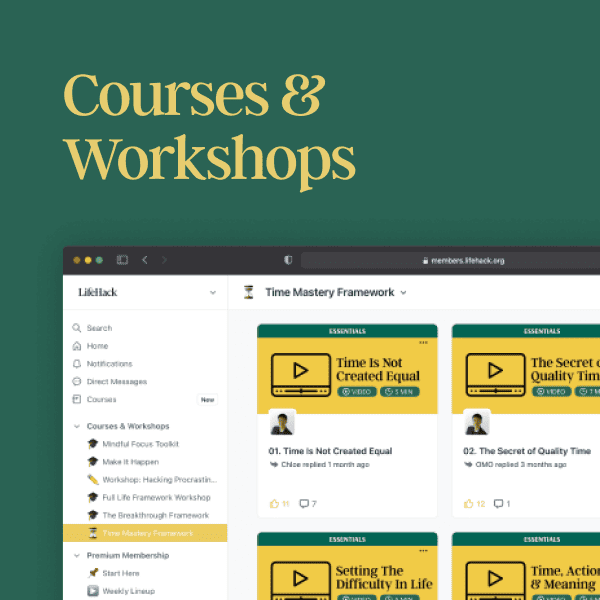
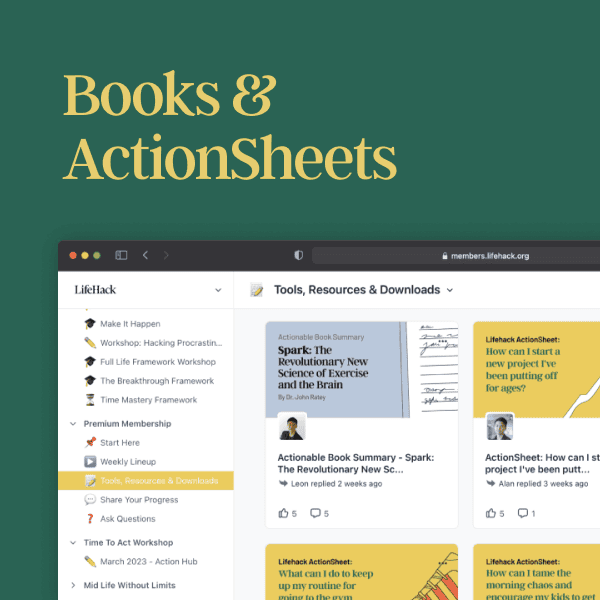
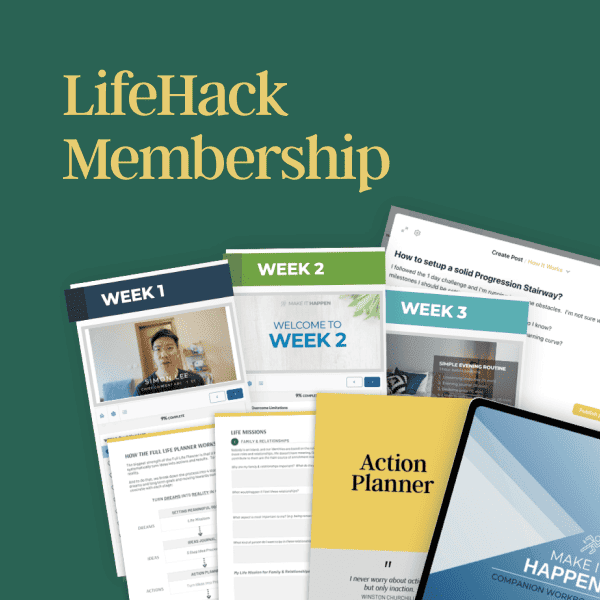
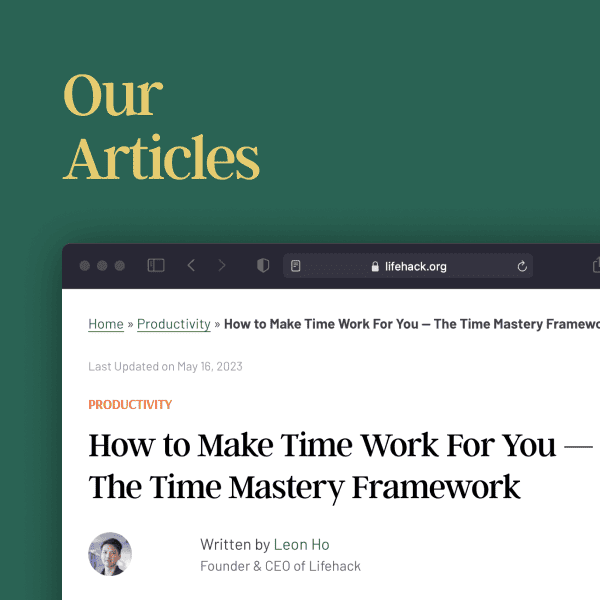
We offer a variety of resources, all of which are built on the very foundation of the Time Flow System itself.
We’re Here to Help You!
Our content and courses are created by LifeHack’s Masterminds and our team of experts. We pride ourselves on providing quality content that is free from fluff and hype, so you can trust that the information you’re receiving is relevant and valuable.
Time Leverage
We prioritize systems that amplify results. Our tools are crafted to optimize your time and bolster strengths. If it doesn’t maximize your time, it’s not in our toolkit.
Concise, Battle-Tested Ideas
We are committed to eliminating inefficiencies. Our team rigorously tests each strategy, considering time saved, effort-result balance, skill transferability, scalability, and trackability.
Efficient, Practical and Actionable
Engineered at its core, LifeHack adopts a methodical productivity approach. We zero in on practical, efficient actions that smoothly mesh with your daily routine without draining time or effort.
Sustainable Change
We guide 12 million people monthly towards a leveraged life. Far from quick fixes, we champion small, steady improvements that gain momentum over time.
Not Sure Where to Begin?
Start here and find out how you can benefit from The Time Flow System.